
Appearance
How to create a Tumblr Application for Revive Social
This is a Pro Feature! Purchase the Pro version of Revive Social here.
Go to https://www.tumblr.com/oauth/apps and login with your Tumblr credentials.
Click on Register Application. You will be routed to complete the form for the registration. Please check the guide below on how to complete it.
Application Name: (Your preference)
Application Website: (URL of your site)
App Store URL: (Optional)
Google Play Store URL: (Optional)
Application Description: (You can create your own description)
Administrative Contact Email: (Your contact email)
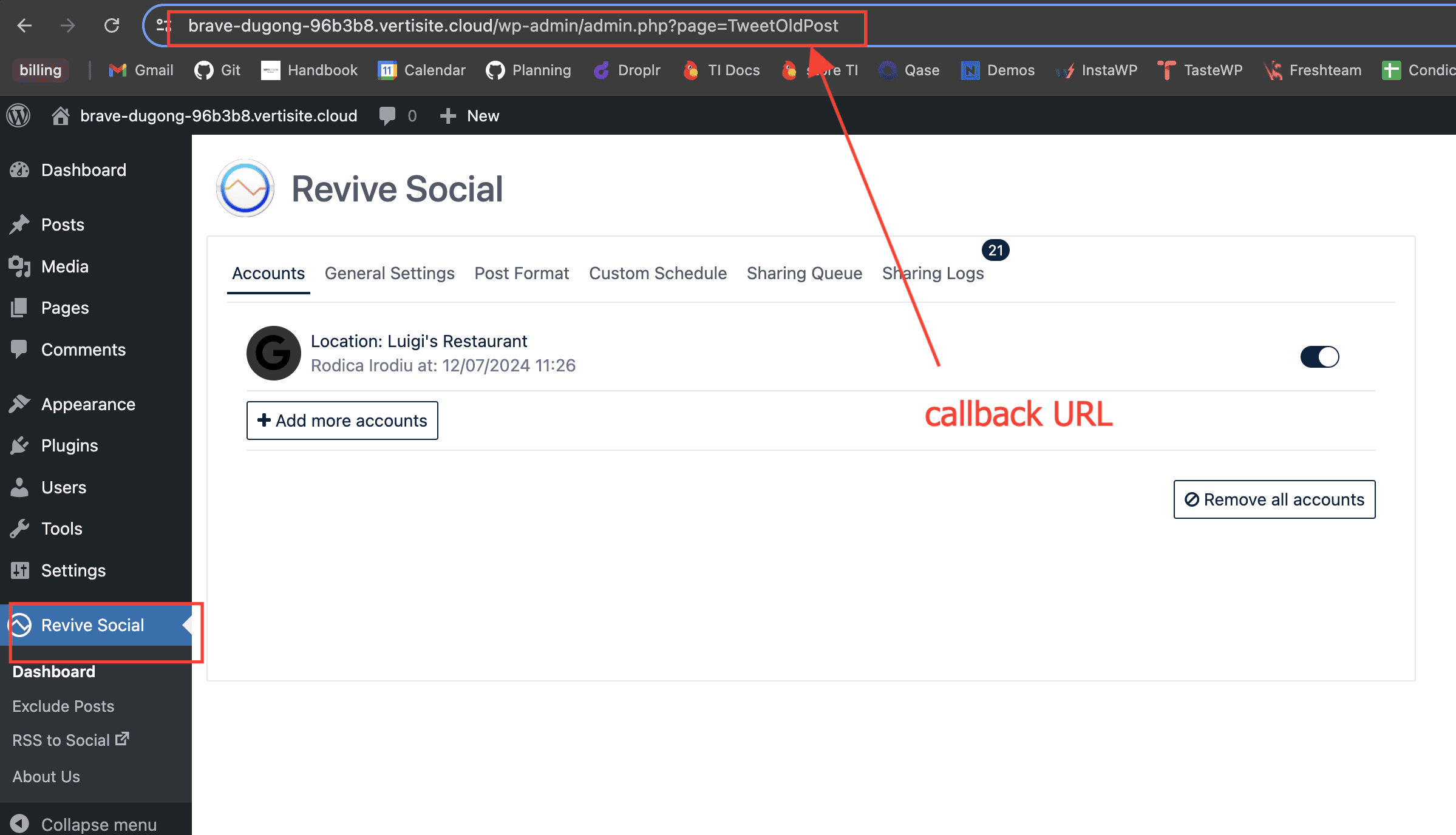
Default Callback URL: This can be in this format: https://yourdomain.com/wp-admin/admin.php?page=TweetOldPost
NOTE: If your website does not have a valid SSL certificate then the URL would be something like this -->> http://yourdomain.com/wp-admin/admin.php
Make sure to change yourdomain.com to your actual website URL. Also if your website has www. in it please add it to the URL as well.
Alternatively, you can get the Callback URL from your WordPress Dashboard > Revive Social
Flurry Project ID: (Optional)
Icons: (Optional)
Click Register.
You will be routed to the Applications page where the app you created should be listed. You should be able to see the Consumer Key and the Consumer Secret which is needed to setup Revive Social.
5.Go to Revive Social dashboard from WordPress DashBoard > Revive Social > Accounts
6.Click Add account > Tumblr.
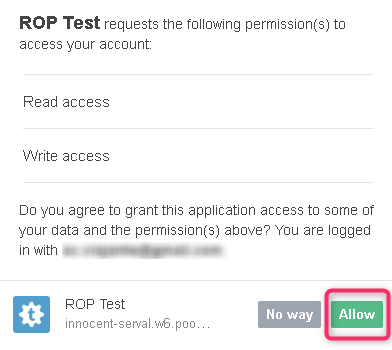
- Enter the Consumer Key and Consumer Secret you got from step 4. Click on Allow if it the app needs a read and write access.
- You will be routed back to the Revive Social Dashboard. Your Tumblr profile should now be listed under Accounts.