Appearance
How To Update Revive Social Payment Details
This guide will show you how to update the payment details and manage your subscription details for Revive Social. We use FastSpring as our payment processor.
In this article
Step 1
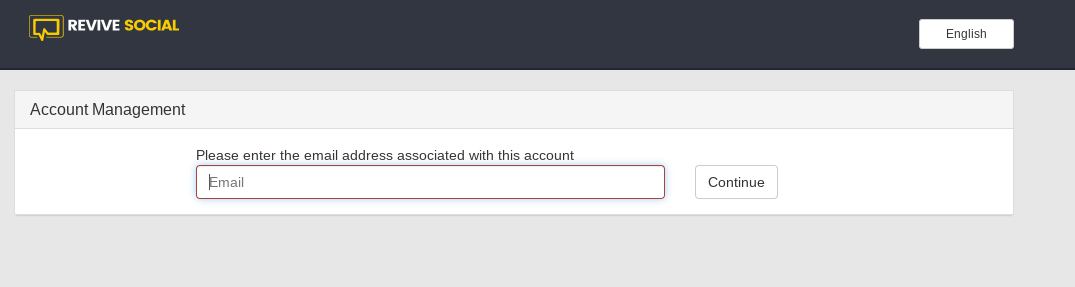
Start by navigating to the FastSpring sign-in link for Revive Social here: https://revivesocial.onfastspring.com/account. Enter the email address you used to make the purchase of Revive Social and then click Continue.
Step 2
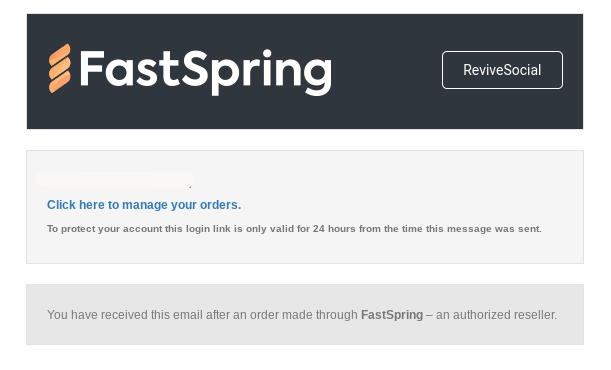
A login link will be sent to your inbox with a link to "manage your orders". Click the link and you will be brought to the Fast Spring dashboard.
Step 3
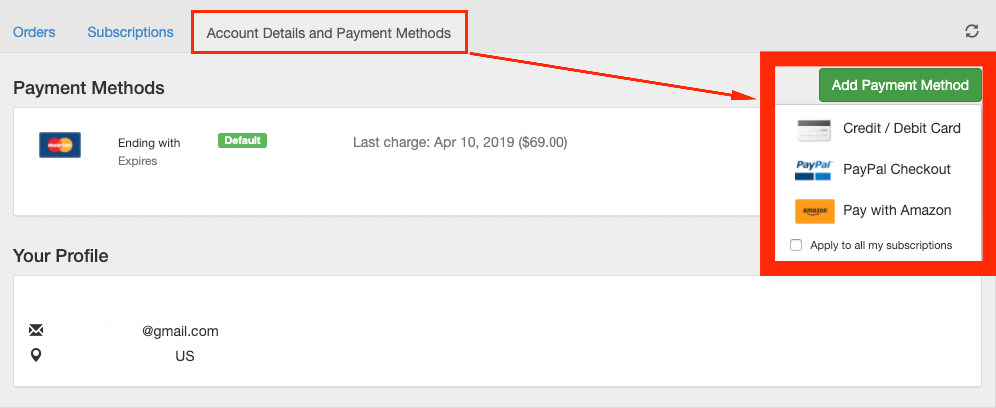
Click on the Account Details and Payment Methods tab to bring you to the page where you can either add a new payment method or update existing information.
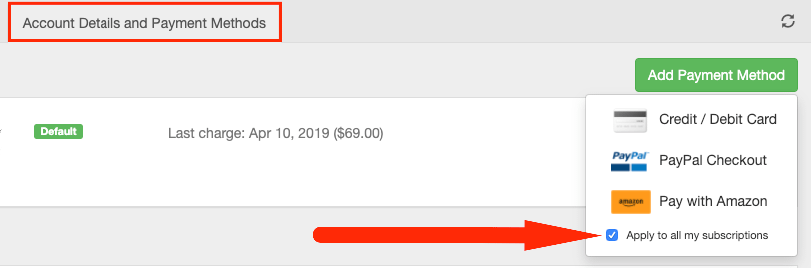
Please make sure that you check the box next to Apply to all my subscriptions when adding your Card.