Appearance
Choosing Which WPML Language Revive Social Shares
By default, Revive Social shares posts in the default language you have set in WPML. If you want each social account to share posts in a specific language, you can configure this per account using the Post Format settings. This is a Pro feature.
To choose the WPML language for a specific account, open the Post Format tab for that account in Revive Social and select the language you want to use. Each account can be set to a different language, so you can target different audiences with the same content.
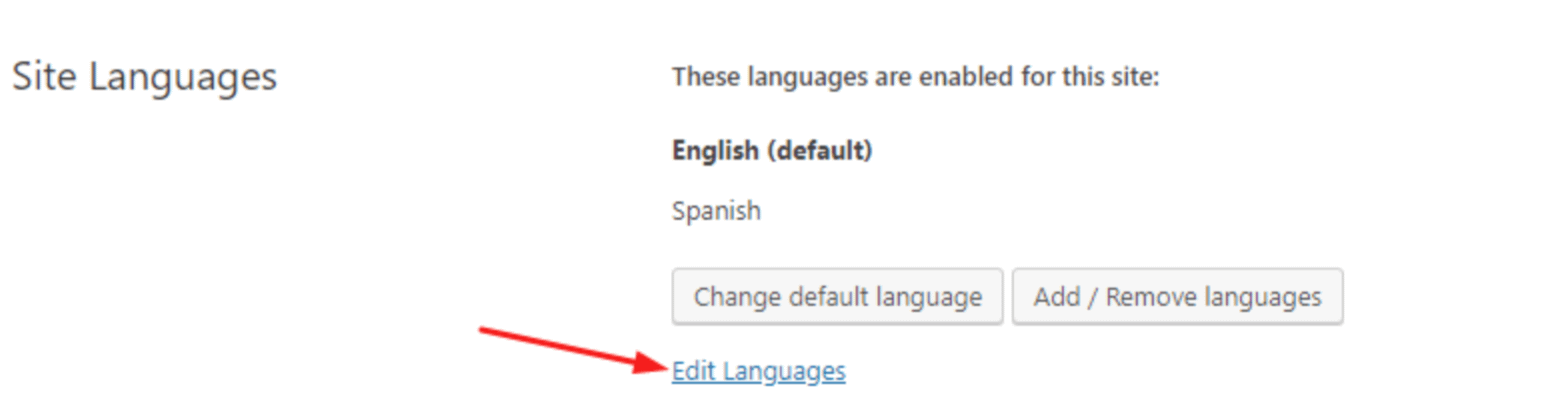
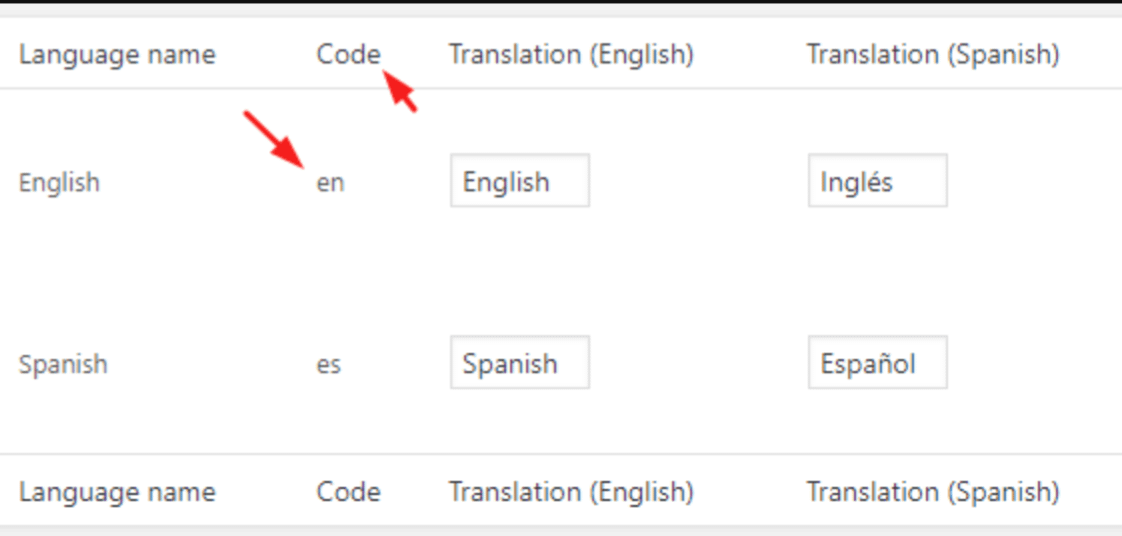
You can find the language code for any language by going to WPML > Languages > Site Languages > Edit Languages.