Appearance
How to Add Variations to Revive Social Shares
This is a Pro Feature! Purchase the Pro version of Revive Social here.
Revive Social comes with a convenient feature called Custom Messages or better known as Variations. This feature allows you to add multiple different messages that Revive Social can use to share.
The plugin will automatically choose one out of the available custom messages (variations) to share to your social media accounts.
This feature helps get around issues with certain networks that don't allow frequent duplicate content such as LinkedIn and X (Twitter).
It's also a way to keep your shares looking fresh even though the same link is being shared!
Step 1.
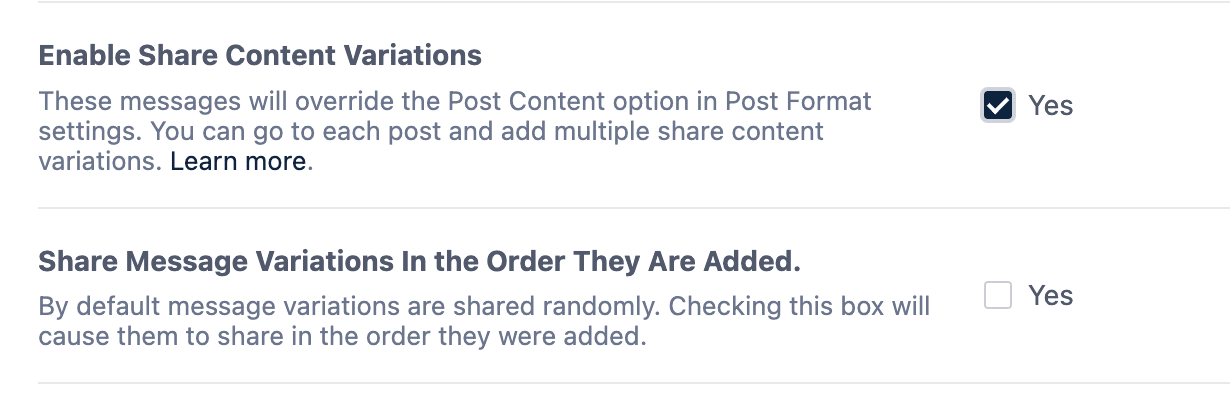
Turn on the option from the Revive Social General Settings:
Step 2.
Head over to any post type edit screen and open the Revive Social sidebar by clicking the Revive Social icon in the editor toolbar.
Select the network, and add your variation text in the Custom Share Message panel.
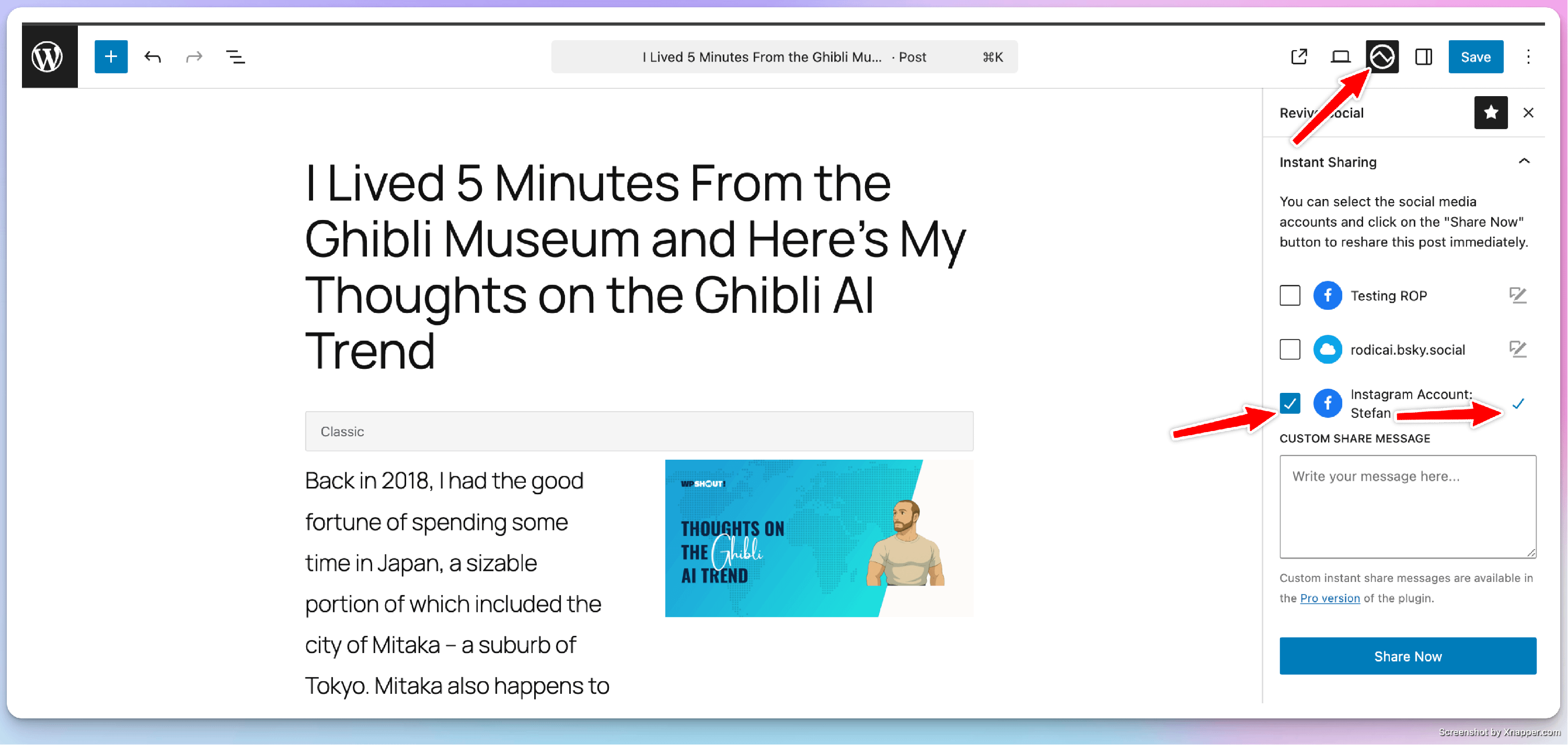
Save your changes by updating the post, and that's it! Custom share messages also support magic tags, check out the available magic tags here.
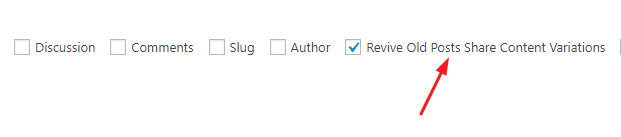
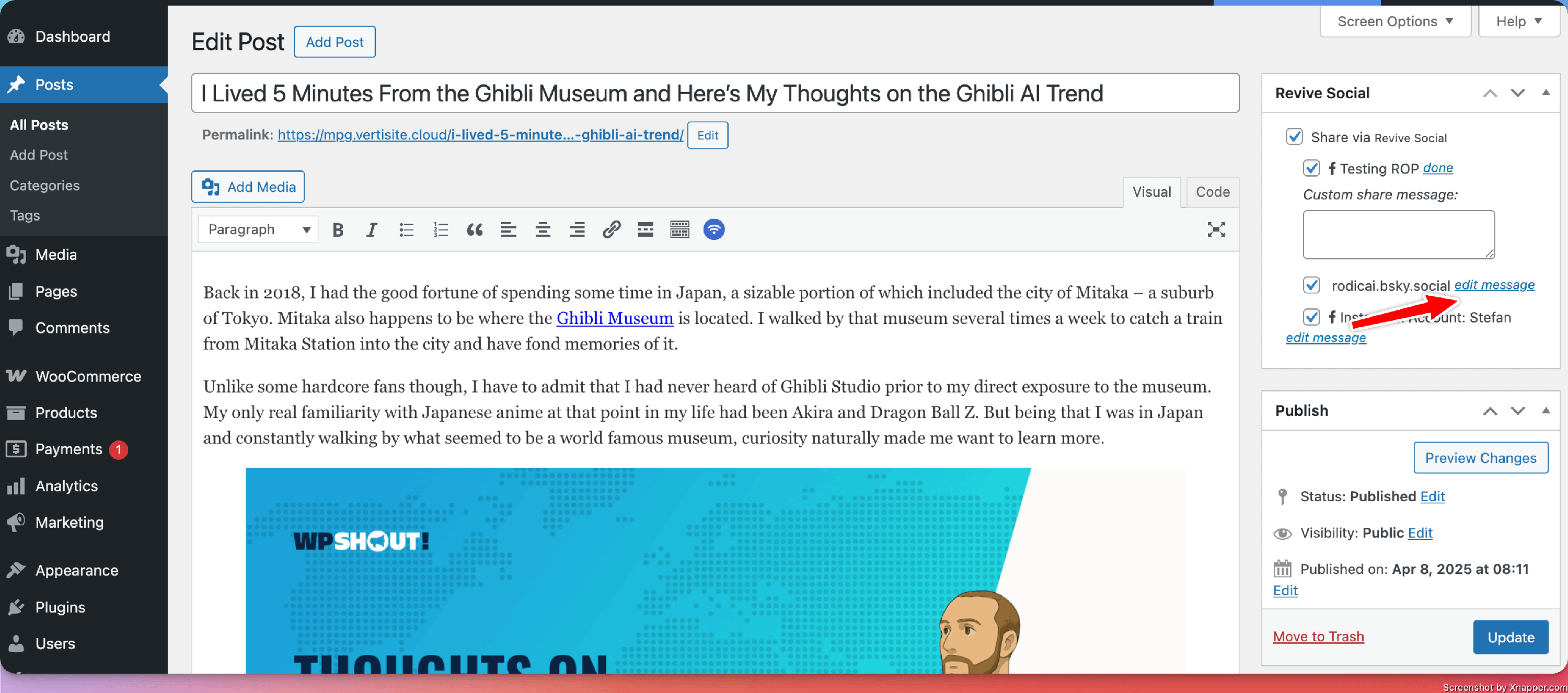
Note: If you are using the Classic Editor plugin, the interface is different, as shown in the screenshots below.