
Appearance
How to Connect Bit.ly to Revive Social
This guide explains how to connect your Bit.ly account to Revive Social so that links shared to social media are automatically shortened using your Bit.ly Generic Access Token.
Bit.ly URL shortening is available in the Pro version of Revive Social.
In this article
Step 1.
Sign up for a bit.ly account here: https://bitly.com/
Step 2.
Click the menu button in the top right-hand corner of the bit.ly dashboard: Settings from the Bit.ly menu:

Then go to Settings > Advanced Settings and click the OAuth link:

Step 3.
Click Generic Access Token then input your password and click Generate Token:


After clicking the button a modal will open showing you your Generic Access Token, copy it and paste it into the Bit.ly credential area on the Revive Social Dashboard:
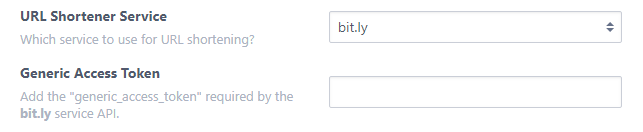
Be sure to save your changes after adding the key so your links could be shortened!